Nello for Google Docs
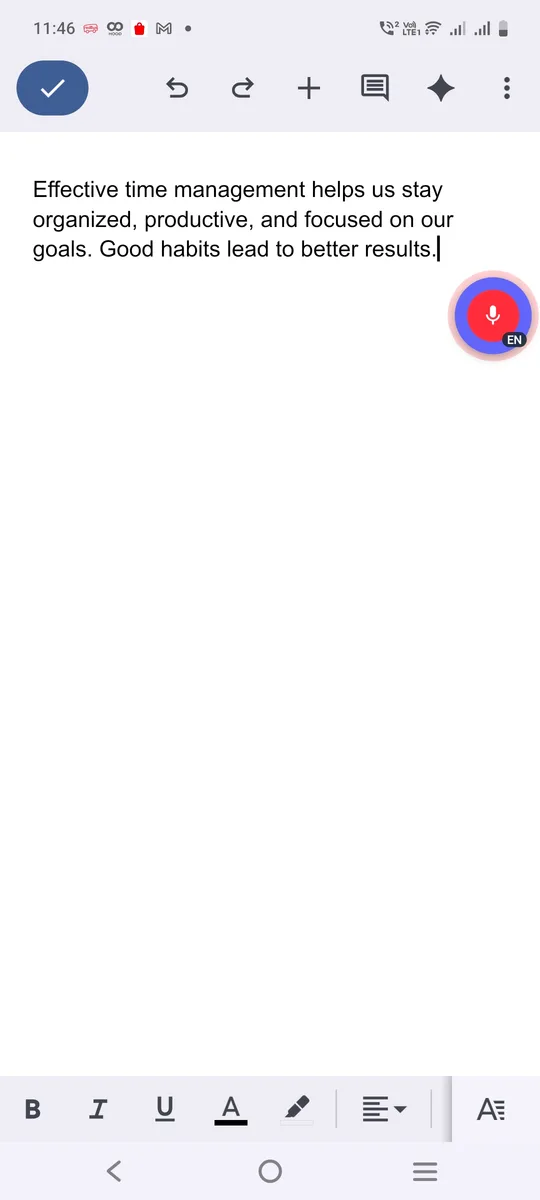
Voice typing in Google Docs on your phone
Draft notes, essays and reports by speaking. Nello works in the Google Docs app, with punctuation added for you.
You say
“meeting notes the launch is moved to march and design will share mockups by friday”
Nello types in Google DocsMeeting notes: the launch is moved to March, and design will share mockups by Friday.
How to dictate in Google Docs
- Open a document and tap where you want to write.
- Tap the Nello button and speak.
- Tap again when you’re done.
Tips
- If an app doesn’t accept typing, Nello copies your words so you can paste them.
Stop typing. Start talking.
Your first 3,000 words are free. No card, no new keyboard.
Get early access